Sharing  Knowledge



What is an Internal Link? How to Build a Link Network on a Website
What is an internal link? Why is it important, and how do you build a link network on a website? Lead Digital Agency will reveal useful knowledge through this article.
What is an internal link?
An internal link is a hyperlink connecting different pages within the same website or domain. It plays an important role in guiding users and helping search engines understand the structure of a website. As a result, internal links contribute to improving SEO and keyword rankings on search engines.
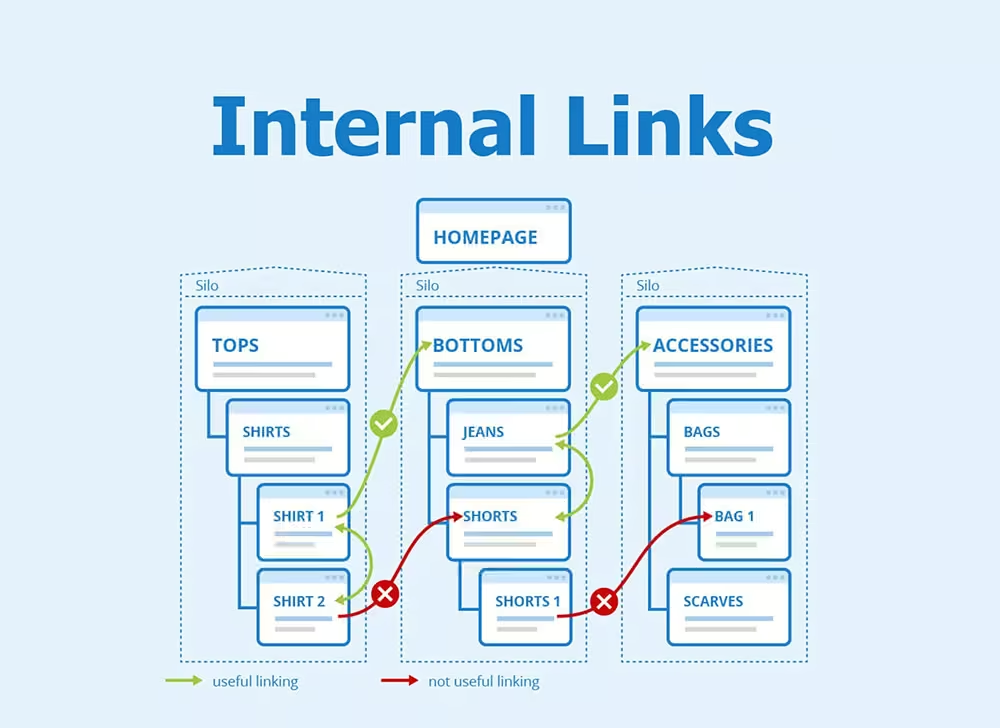
Internal link network on the website
The role of internal links
To optimize a website, internal links are indispensable. Their roles include:
1. Improving SEO
Search engines such as Google can crawl and better understand the structure of a website thanks to internal links. In other words, internal links help search engine bots easily find and index pages, thereby improving rankings.
2. Increasing user engagement
Placing internal links strategically in blog posts or product pages provides readers with additional information and answers to their questions. This encourages them to view more pages and stay longer on the website. This not only improves user experience but also strengthens SEO.
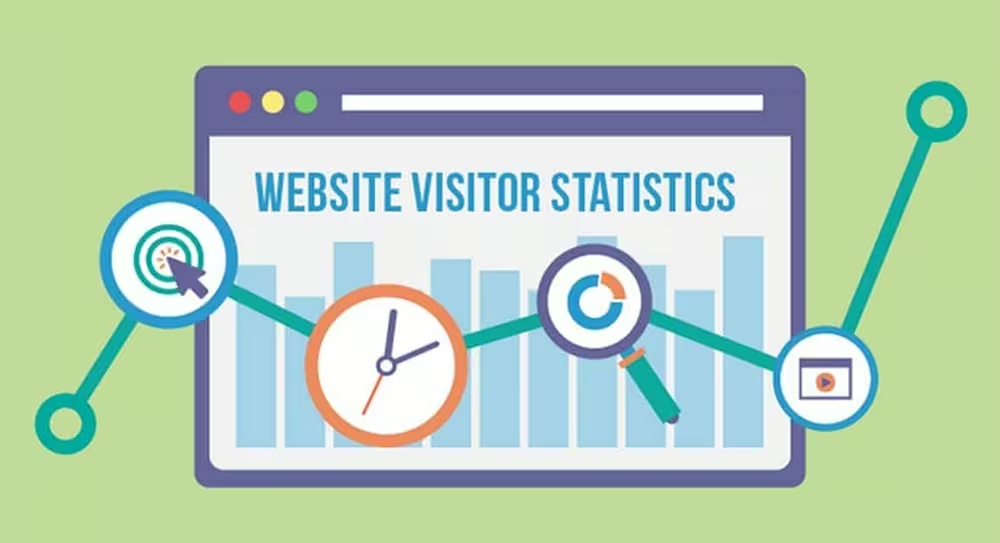
Internal links help increase user engagement on the website.
3. Distributing PageRank
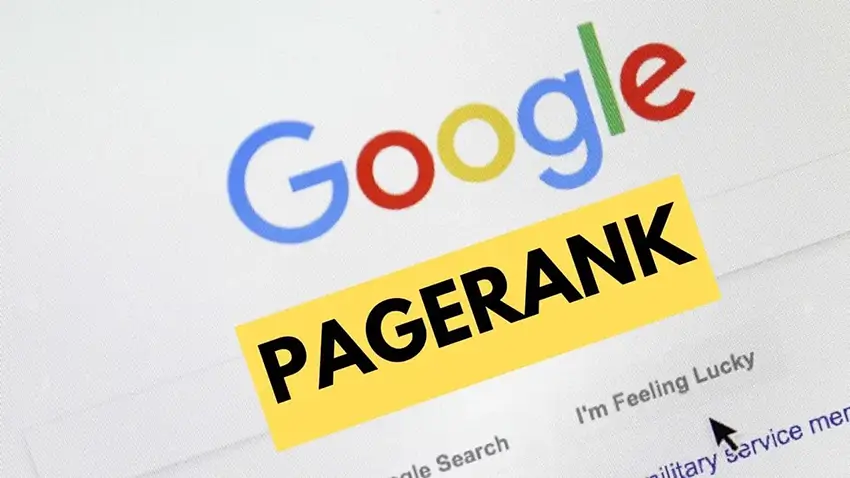
PageRank is Google’s algorithm for evaluating the importance of a web page. Internal links help distribute PageRank from high-authority pages to other pages, thereby improving the overall credibility of the website.
How to build an effective internal link network
To build an effective internal linking system, you can follow these steps:
1. Define a clear website structure
Before building internal links, you need to establish a clear website structure. A good structure is usually tree-shaped, with the homepage at the top and subpages branching out below. You can also group subpages into categories to help users follow and find related content more easily.
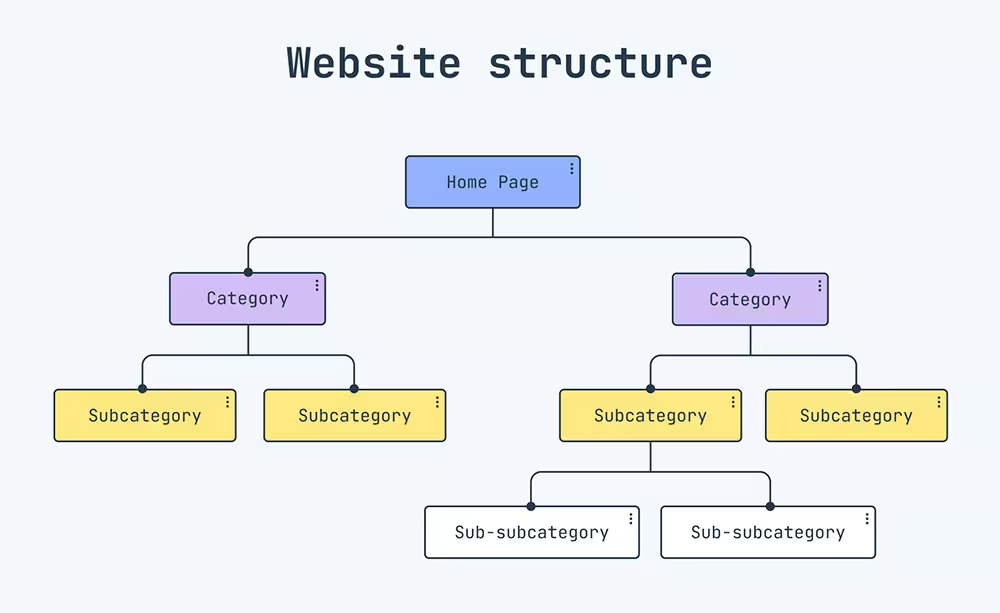
Define a clear website structure before building internal links.
2. Use appropriate anchor text
Anchor text is the clickable text that takes you to another page. It should accurately describe the content of the linked page. Avoid vague words like “here” or “read more.” For example, instead of linking “read more,” Lead Digital Agency would link “Comprehensive SEO.”
3. Ensure content relevance
Do not insert internal links randomly, as it reduces effectiveness and harms user experience. Make sure the linked pages are relevant, so users can find what they need, and search engines can better understand relationships between pages.
4. Use a reasonable number of links
Avoid “spamming” too many internal links on a single page, which may annoy users and reduce the value of each link. Based on years of SEO experience, Lead Digital Agency recommends using a maximum of 3 internal links per page.
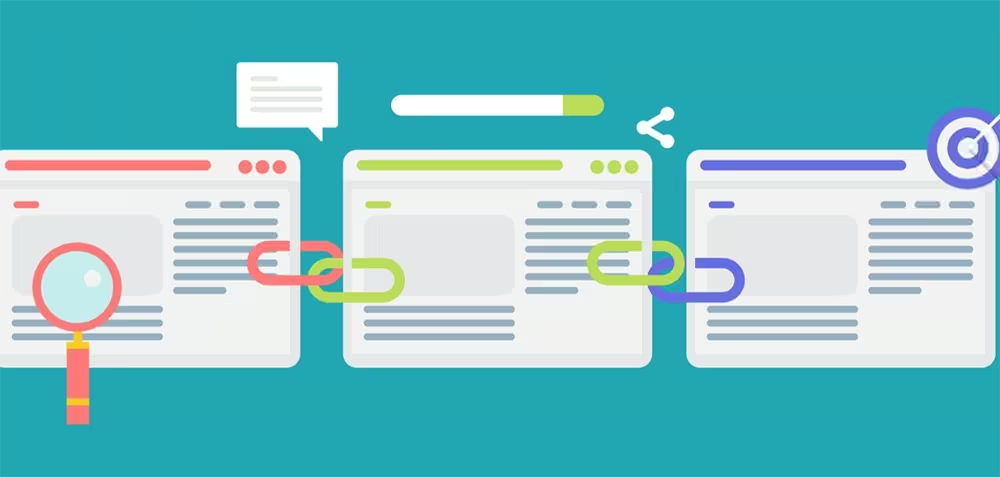
You should not use too many internal links.
5. Contextual linking
Instead of placing links only at the end of a post, insert them naturally into the main content. Contextual links are more valuable because they appear where users are most engaged. For example, in an article about a 4-day-3-night tour, linking to “Top 5 restaurants at the destination” adds high value.
6. Regularly check and update
Website structures and content may change over time. It is crucial to monitor and update internal links regularly. Tools like Google Search Console can help track and fix broken or ineffective links.
Common mistakes when building internal links
Linking to non-existent pages: This occurs when a page is deleted or a URL changes without updating the link, leading to 404 errors.
Too many links on one page: Overloading internal links reduces their value and confuses users.
Unclear anchor text: If anchor text does not describe the linked content clearly, it makes navigation harder for both users and search engines.
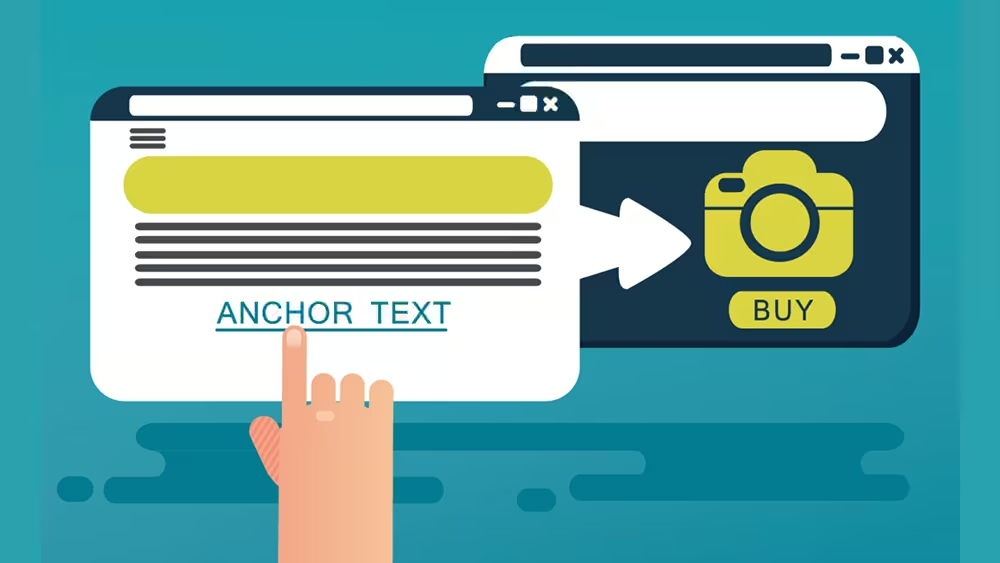
Use clear anchor text to improve internal linking.
Forgetting important pages: Some essential pages (e.g., product or service pages) are often overlooked. These should be linked to increase conversions and rankings.
Conclusion, Internal links are essential for optimizing your SEO and website. Start by defining a clear structure, using appropriate anchor texts, and linking to related content. Don’t forget to monitor and update links regularly to fix errors as soon as possible.
If you need SEO or digital marketing consulting, contact Lead Digital Agency:
- Address: 215 Nguyen Gia Tri Street, Thanh My Tay Ward, HCMC
- Hotline: 093 2323 799
- Website: https://leadigital.vn/
- Fanpage: https://www.facebook.com/leadigital.vn
Related Articles
LEAD DIGITAL AGENCY COMPANY LIMITED
Business Registration Certificate: 0318264131

Office
Floor 4, Labonita Building
215 Nguyen Gia Tri Street,
Thanh My Tay Ward, HCMC

CONTACT
Support: 093 2323 799
Hotline/Zalo: 0901 330 789
Email: info@leadigital.vn
